
Elevations Business Online Banking: Top 6 Frequently Asked Questions

Elevations Business Online Banking provides members with quick and easy access to manage their accounts. Here are six frequently asked questions from our business members to help you make the most of this tool.
1. How do I transfer funds from my business account to my personal account?
If your business structure is a sole proprietorship or a single-member LLC, you may transfer funds from your business account to your personal account. In order to set this up, the names of the owner(s) of the personal account and business account must match, and we will need to verify ownership of the business. If you’d like to set this up, please contact us at 800.429.7626.
2. How do I reset my password?
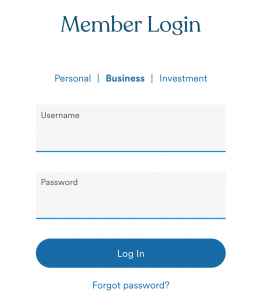
To reset your password, visit elevationscu.com/login. With the “Business” tab selected, click “Forgot Password.” Enter your username. If you don’t know your username or if your account is locked because of too many failed password attempts, please contact us at 800.429.7626.
3. How do I find my business account number?
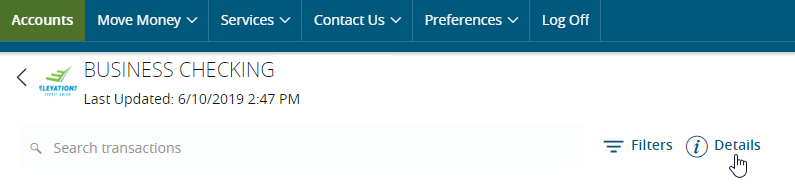
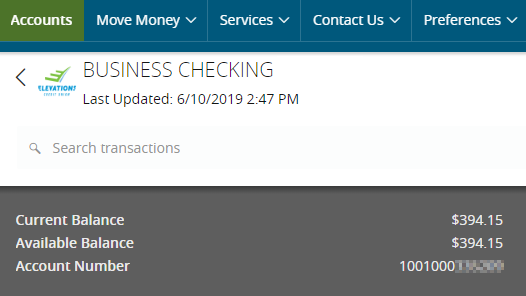
To find your number in Business Online Banking, log in to your account and select the appropriate account. Select “Details” to view your account number.
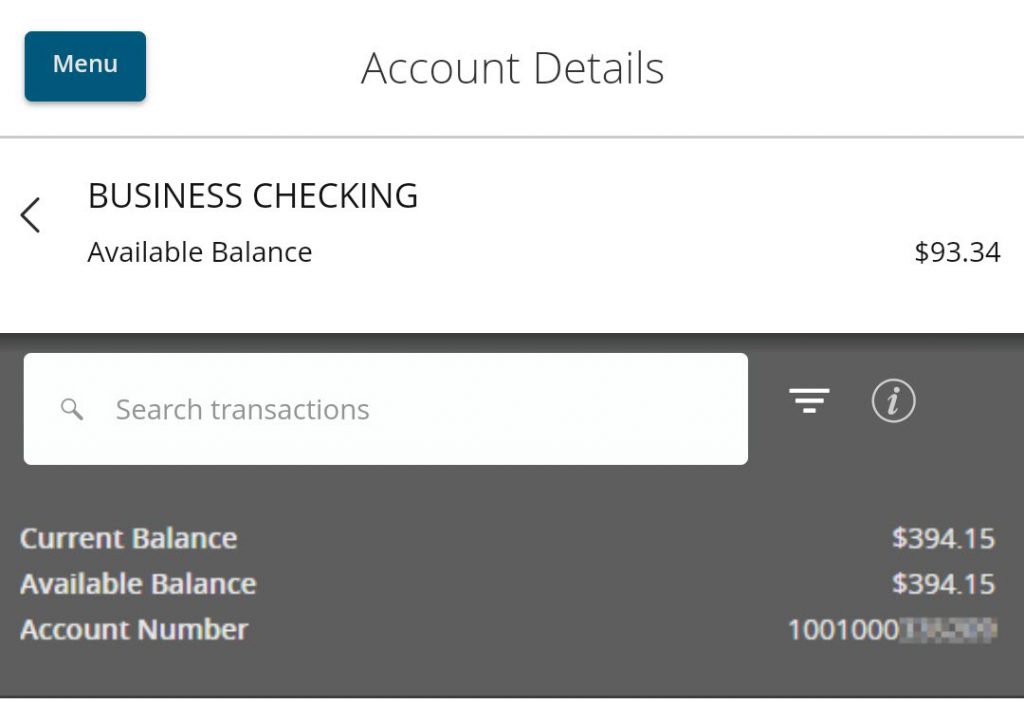
To find your number in the Business Mobile App, log in to your account and select the appropriate account. Select the information “i ” icon to view your account number.
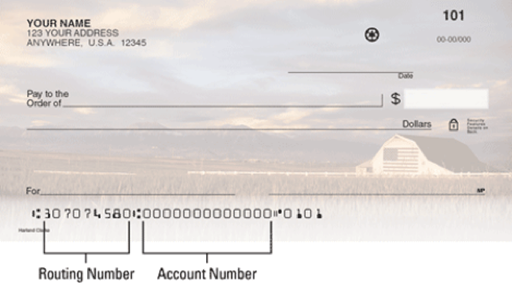
You can also find your 13-digit business account number at the bottom of your business checks.
If you have questions, please contact us at 800.429.7626 or log in to online banking and start a secure chat.
4. How do I send a secure message?
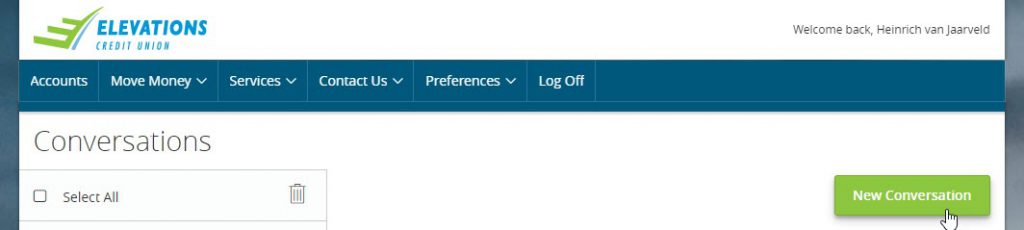
To send a secure message, please log in to Elevations Business Online Banking and select “Contact Us.” Then, click “New Conversation.” You can also click “Chat Now” to start a live chat in Business Online Banking.
5. How do I change my address in Elevations Business Online Banking?
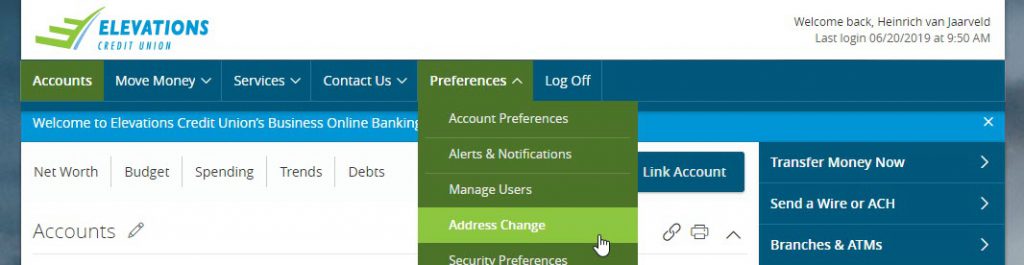
To change your address in Elevations Business Online Banking, log in and select “Preferences.” Click “Address Change.”
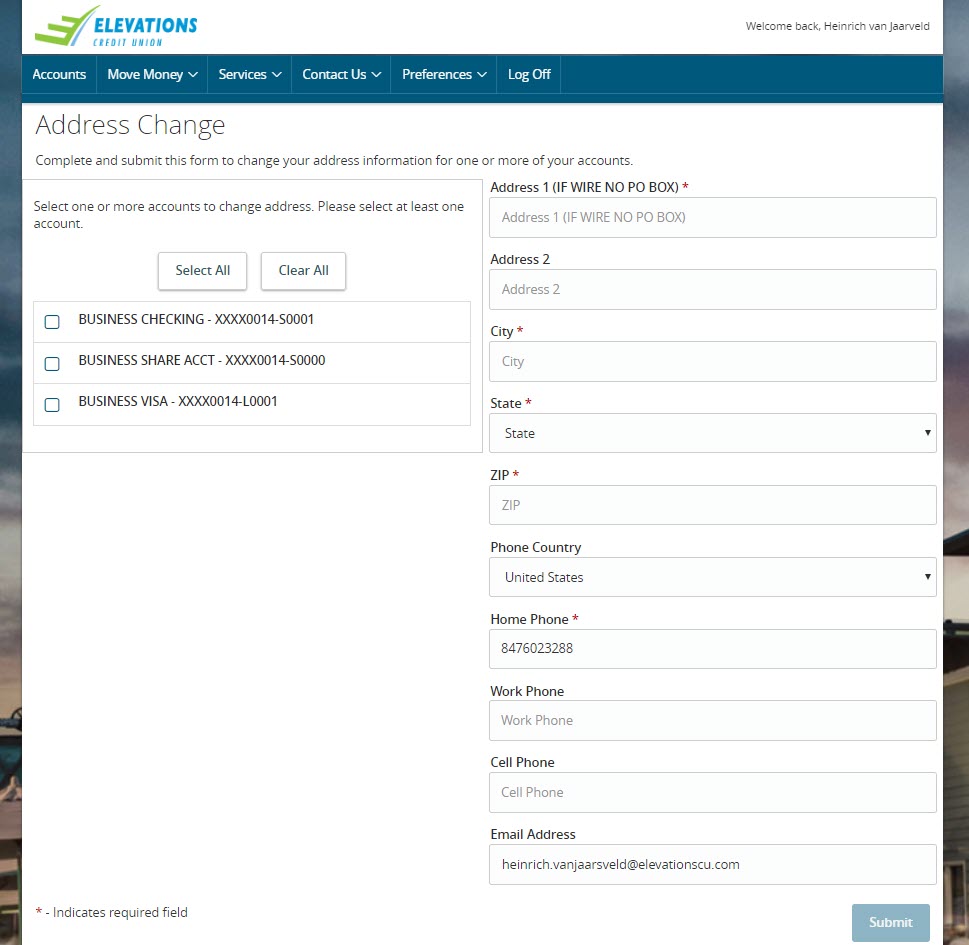
After you’ve selected “Address Change,” select one or more accounts to update the address information. Click “Submit” when finished.
6. What is the Elevations routing number?
The Elevations Credit Union routing number is 307074580. Elevations does not have a Swift Code, IBAN or other international routing code for wires coming from outside the U.S. You are able to wire funds to your Elevations business account without this information.
To learn more about Elevations Business Online Banking, please visit our website. And be sure to download the Elevations Business Mobile App for Apple® devices or AndroidTM devices to easily access your accounts.
If you can’t find what you need, we’re always happy to help. Please call Elevations Business Services team at 800.429.7626 or visit one of our branches.
Android is a trademark of Google LLC.
Apple is a registered trademark of Apple Inc.

Darin Atteberry appointed to the Elevations Credit Union Board of Directors
10/05/2026

Your guide to business microloans
09/02/2026

Elevations Credit Union appoints Veronica Riojas chief retail officer
07/30/2026
Enjoying our blog?
Choose which topics you’d like to receive updates on and start enjoying everything from tips on managing your finances to stories from our community.